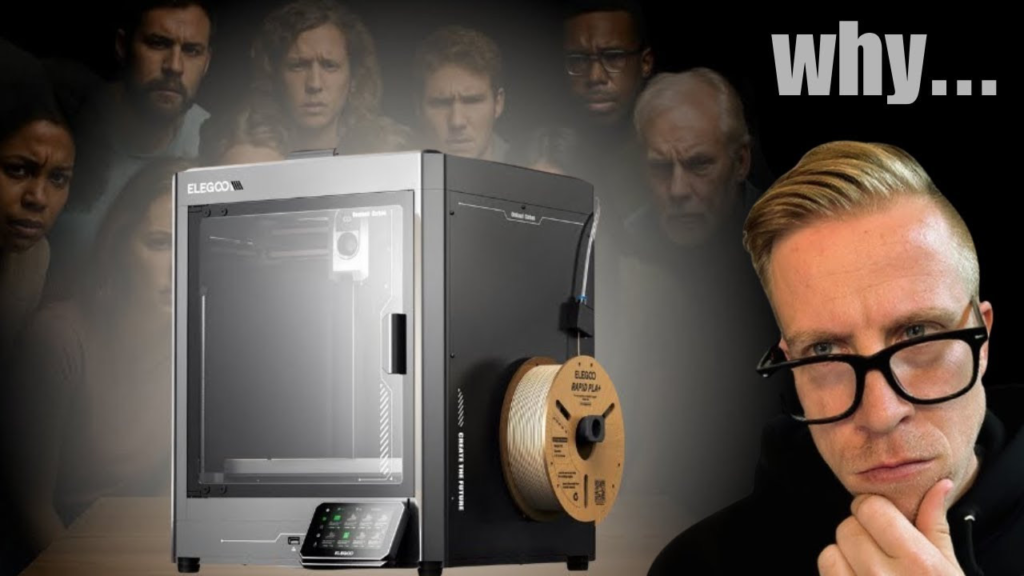
If you're wondering whether the Elegoo Centauri Carbon can print ABS, the answer is absolutely yes. In fact, this is one of the reasons an enclosed printer like the Centauri Carbon makes so much sense.
Elegoo officially lists ABS as a supported filament. The printer has a fully enclosed chamber, 320°C hotend, and a heated bed that reaches 110°C, so it has the hardware you want for printing ABS.
Centauri Carbon ABS Settings
I wouldn't overcomplicate the settings. Start with the ABS profile in your slicer and then adjust it for the specific filament you're using.
A good starting point is around 250°C for the nozzle and 90–100°C for the bed, but always check the temperature recommendations on your specific spool.
The biggest thing is keeping the door and top closed while printing. ABS really doesn't like drafts or sudden temperature changes, and that's where the Centauri Carbon's enclosure helps a lot.
Preventing ABS From Warping
Warping is usually the biggest headache with ABS.
Make sure your build plate is clean, keep the enclosure closed, and avoid blasting the print with a bunch of cooling. Elegoo specifically designed the enclosed chamber to maintain a more stable temperature and reduce warping.
For larger ABS prints, adding a brim can also help keep the corners from lifting.
Do You Need a Different Nozzle?
For regular ABS, no.
The stock 0.4mm nozzle works perfectly fine. You don't need to buy a special nozzle just because you're switching from PLA or PETG to ABS.
Overall, I've found the Centauri Carbon to be a really good printer for ABS. Having the enclosure makes a huge difference, and for most prints, you can load up ABS, select a decent ABS profile in your slicer, and start from there.