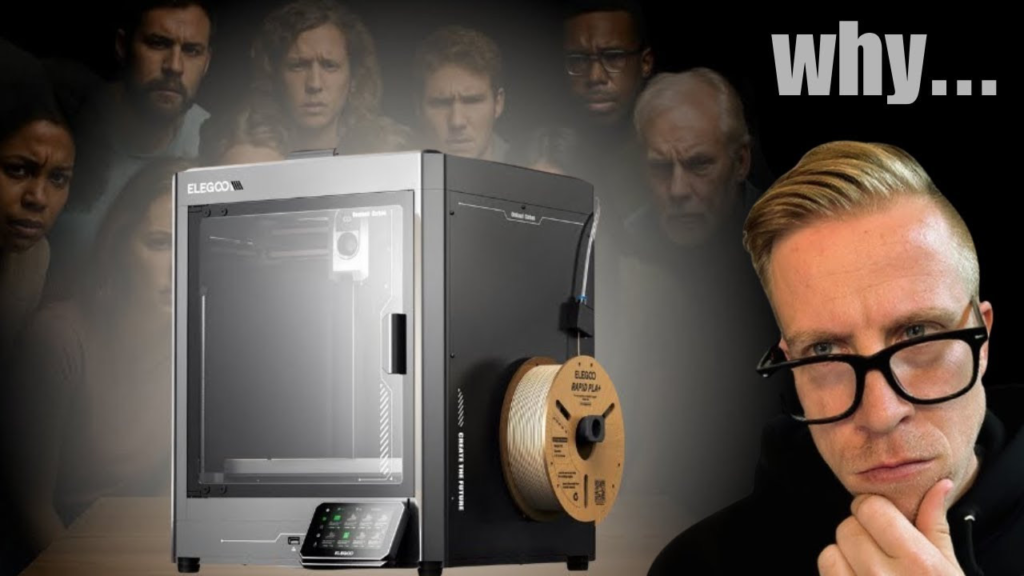
If you're looking into Centauri Carbon ASA printing, this is actually a really good printer for it. The Centauri Carbon is fully enclosed, has a hotend that reaches 320°C, and Elegoo officially lists ASA as a supported material.
Centauri Carbon ASA Settings
I would start with the ASA profile already available in your slicer rather than trying to create everything from scratch.
For most ASA filament, you're going to be somewhere around 250–270°C on the nozzle and 90–110°C on the bed, but always check the recommended temperatures on your specific spool.
The biggest thing is to keep the printer closed while printing. ASA likes a warm, stable environment, and the Centauri Carbon's enclosure helps prevent the warping you can get with open-frame printers.
Keep Cooling Low
You generally don't want a ton of part cooling with ASA. Too much cooling can cause layers to cool unevenly and increase your chances of warping or poor layer adhesion.
I'd start with the ASA profile in your slicer and only start messing with cooling if you're having problems.
ASA vs ABS on the Centauri Carbon
If you're deciding between ABS and ASA, they're pretty similar to print.
One of the big reasons I'd choose ASA over ABS is for outdoor parts. ASA has much better UV and weather resistance, so it's great for brackets, automotive parts, outdoor projects, or anything that's going to sit in the sun.
Overall, printing ASA on the Elegoo Centauri Carbon is pretty straightforward. Start with the ASA profile, keep the enclosure closed, make sure your build plate is clean, and adjust temperatures based on the specific filament you're using.