Getting into 3D printing is so much easier than it was even a few years ago. You don’t need to spend your first weekend manually leveling a bed, adjusting a million settings, and wondering why nothing sticks. A lot of the newer printers are pretty close to taking them out of the box, running the calibration, loading some filament, and starting your first print.
I’ve used and reviewed a lot of 3D printers, and if a friend asked me which ones I’d actually consider as a beginner, these are the five I’d point them toward. Some are cheaper, some give you multicolor printing, some are enclosed, and some give you a lot more room to grow into the hobby. There really isn’t one perfect beginner 3D printer for everybody, so I’m going to break down which one I’d choose depending on what you actually want to do.
My quick pick: If I were buying my first 3D printer today and already knew I was going to stick with the hobby, I’d personally go with the Flashforge Creator 5. It’s not the cheapest printer here, but the four independent toolheads give you a ton of room to grow into multicolor and multi-material printing without immediately wanting to replace your printer six months from now.
- Best Overall 3D Printer for Beginners: Flashforge Creator 5
- Best Cheap 3D Printer for Beginners: Bambu Lab A1 Mini
- Best Multicolor 3D Printer for Beginners: Snapmaker U1
- Best Enclosed 3D Printer for Beginners: Elegoo Centauri Carbon
- Best Simple Full-Size Beginner Printer: Bambu Lab A1
- What Should a Beginner Look For? Beginner Buying Guide
- FDM vs Resin: Which Should You Buy?
- Multicolor Printing: Do Beginners Need It?
- Enclosed Printers: Do You Need One?
- Beginner Budget: How Much Should You Spend?
- Beginner Filament: What Should You Start With?
- My Final Pick: Which Printer Would I Buy?
Best Overall 3D Printer for Beginners – Flashforge Creator 5
The Flashforge Creator 5 is the printer I’d personally look at first if you want something that’s beginner-friendly but you also don’t want to outgrow your printer immediately. There are cheaper options on this page, and I’ll get to those, but I think the Creator 5 gives a new user one of the best paths from basic beginner printing into the more interesting stuff you might want to do later.
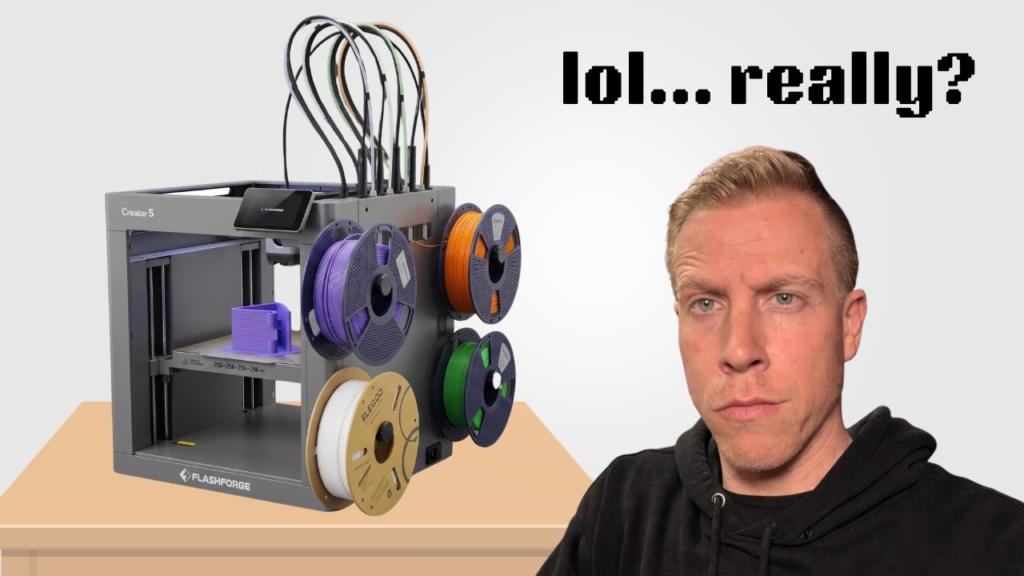
What really separates the Creator 5 from most beginner 3D printers is the four independent toolheads. Traditional multicolor printers usually have several filaments feeding into one shared nozzle. When the printer changes colors, it has to unload one filament, load another one, and purge the old color out of the nozzle. That works, but it can create quite a bit of wasted filament.
With the Creator 5, each filament can stay loaded in its own toolhead and the printer physically switches between them. You still have things like priming and normal printing waste, but it’s a completely different approach than constantly pushing multiple colors through one nozzle.
The other reason I like this for beginners is that you don’t have to use all four toolheads on day one. You can load a roll of PLA, print normal single-color models, and learn how 3D printing works just like you would on a much simpler machine. Then once you’re comfortable, you already have the hardware sitting there to start experimenting with multicolor prints, support materials, different nozzle setups, and eventually different materials.
That’s really what I’m looking for when somebody asks me about the best beginner 3D printer. I don’t just want something that’s easy during the first week. I want something you’re still excited to use after you’ve been printing for a year.
► Flashforge Website – https://3dprintdood.com/creator5
If you already know you’re going to get hooked on 3D printing and your budget allows it, the Flashforge Creator 5 would be my first choice from this list.
Best Cheap 3D Printer for Beginners – Bambu Lab A1 Mini
The Bambu Lab A1 Mini is probably one of the easiest recommendations for somebody who just wants to try 3D printing without spending a bunch of money. This is the printer I’d point toward if someone told me, “I have no idea if I’m going to stick with this hobby. I just want something easy that works.”
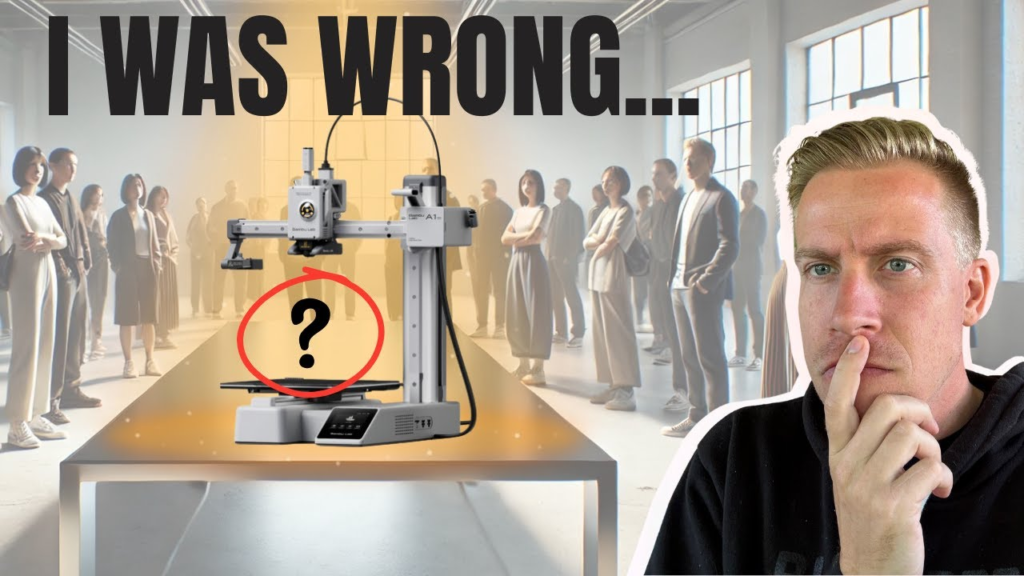
It’s small, simple to use, and Bambu has done a really good job making the whole experience beginner-friendly. Automatic calibration takes care of a lot of the annoying setup work that used to scare people away from 3D printing, and the software is pretty easy to understand even if you’ve never touched a slicer before.
The biggest downside is right there in the name: it’s Mini. The build area is smaller than the full-size A1 and several of the other printers on this list. That means there are going to be larger models that either won’t fit or will need to be split into multiple pieces.
For toys, little gadgets, organizers, replacement parts, decorations, articulated animals, and most of the random stuff people print when they’re getting started, though, that smaller build area usually isn’t a huge problem. A lot of people would probably be surprised by how much they can actually make on an A1 Mini.
➡ View on Amazon – https://amzn.to/4mfOput
You can also pair it with the AMS Lite if you want to get into multicolor printing. That’s another reason I like the A1 Mini for beginners. You can start relatively cheap and then add multicolor later if you decide you’re really into this.
Best Multicolor 3D Printer for Beginners – Snapmaker U1
The Snapmaker U1 is the printer I’d seriously consider if multicolor printing is one of the main reasons you’re getting into 3D printing. Maybe you want to print characters, signs, logos, toys, decorative models, or products to sell and you already know you don’t want everything coming off the printer in one color.
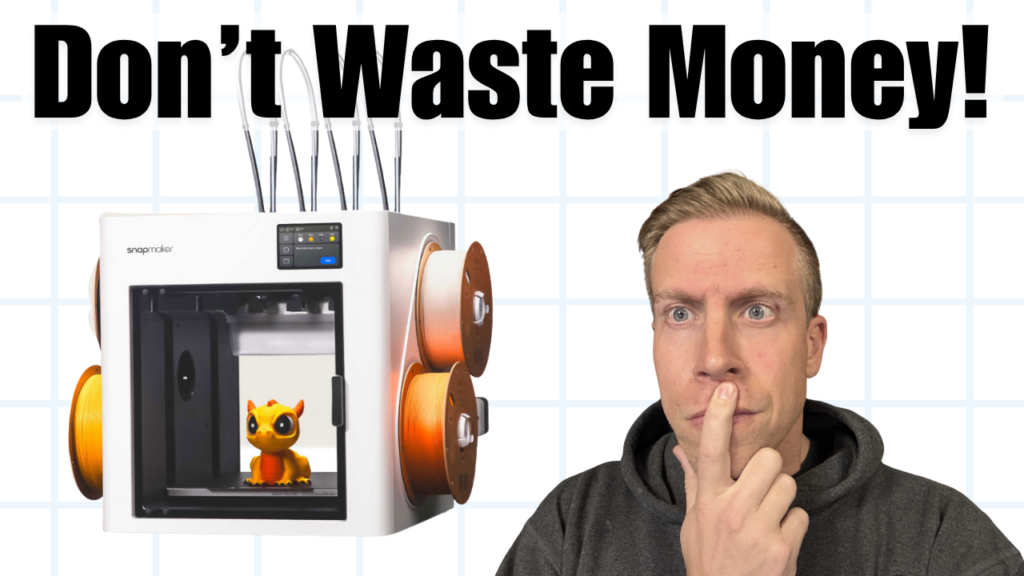
The big attraction here is the multiple-toolhead design. Instead of constantly swapping different colors through one nozzle, the U1 physically switches between toolheads. Each filament can stay loaded into its own toolhead, which dramatically changes how the printer handles color changes.
This matters because one of my biggest complaints with traditional multicolor 3D printing is filament waste. If you’re making a model with hundreds of color changes, a single-nozzle system may spend a lot of time unloading, loading, and purging filament. You can sometimes end up with a ridiculous pile of purge waste sitting next to the printer.
The U1 doesn’t magically make all waste disappear, but I like the direction a lot better. And because the toolheads are independent, I think this type of printer becomes even more interesting when you start thinking about different materials instead of only different colors.
➡ Snapmaker Website – https://3dprintdood.com/snapmakerU1
It may be more printer than someone needs if they just want to make a few basic PLA models here and there. But if multicolor printing is one of the things that got you excited about buying a 3D printer in the first place, I’d definitely put the U1 high on the list.
Best Enclosed 3D Printer for Beginners – Elegoo Centauri Carbon
I’ve spent quite a bit of time with the Elegoo Centauri Carbon, and this is another printer that’s really easy for me to recommend to somebody getting started. The biggest thing that stands out to me is how much printer you get without spending a crazy amount of money.
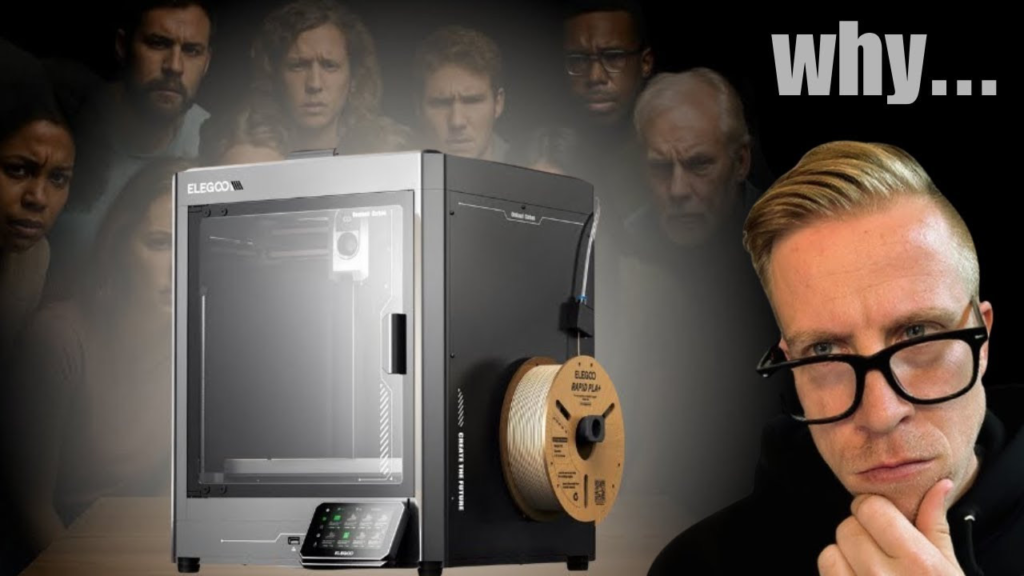
You’re getting an enclosed CoreXY printer that prints fast, produces really good print quality, has automatic calibration, and doesn’t require you to understand every little detail about 3D printing before you can start making stuff.
The enclosure is one of the big advantages compared with something like the Bambu A1. Most beginners are probably going to start with PLA, and you absolutely don’t need an enclosure for normal PLA printing. But once you start experimenting with materials such as ABS or ASA, an enclosed printer becomes much more useful.
That’s something I think beginners should consider before buying. Don’t only think about what you’re going to print during your first week. Think about what you might want to try six months or a year from now. A lot of people get into this hobby thinking they’re going to print a couple of toys and suddenly they’re making outdoor parts, printer upgrades, brackets, automotive parts, and all kinds of functional stuff.
► Elegoo Website – https://3dprintdood.com/centauri-carbon2
► View On Amazon – https://amzn.to/4v3niI4
The Centauri Carbon gives you quite a bit of printer for the money and leaves you plenty of room to learn and experiment without immediately needing another machine.
Best Simple Full-Size 3D Printer for Beginners – Bambu Lab A1
The full-size Bambu Lab A1 is still one of my favorite recommendations for someone who basically wants 3D printing to just work. It’s one of those machines where I spend a lot less time thinking about the printer itself and more time thinking about what I actually want to print.
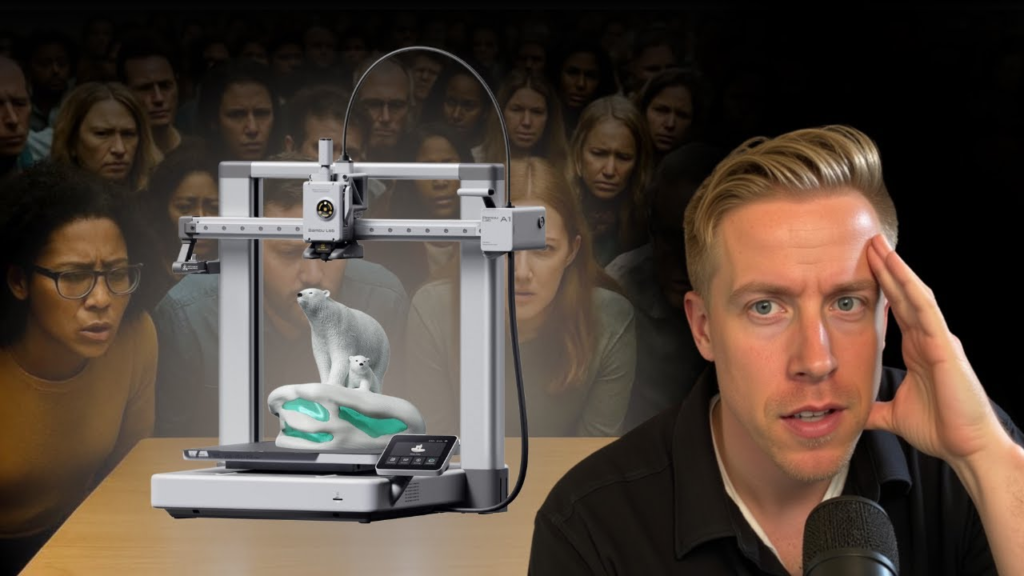
It’s very beginner-friendly, the automatic calibration takes care of a lot of the annoying setup work, print quality is excellent, and Bambu’s software and app make the entire experience pretty easy to understand.
Compared with the A1 Mini, the biggest reason I’d spend the extra money on the regular A1 is the larger build area. You simply have more room to print bigger models without having to cut them apart and glue them back together later.
You can also add the AMS Lite for multicolor printing, which makes this a really nice setup for somebody who wants to print toys, signs, decorations, models, and all kinds of colorful projects.
➡ View on Amazon – https://amzn.to/4oWKZih
The main thing you’re giving up compared with something like the Centauri Carbon is the enclosure. The A1 is an open printer, so I’d primarily look at it for PLA, PETG, TPU, and the types of materials most beginners are probably going to use anyway.
What Should a Beginner Look for in a 3D Printer?
The biggest mistake I think beginners make is buying a printer based entirely on specs. One printer prints 50mm/s faster, another one has a slightly hotter nozzle, and another company has a giant list of features on the product page. Most of that isn’t nearly as important as whether the printer is actually easy to live with.
For a first 3D printer, I’d put automatic bed leveling and calibration pretty high on the list. Older printers could require a lot of manual adjustment before you could even get a decent first layer. Modern automatic calibration removes a huge amount of that frustration.
I’d also pay attention to build size. Around 250mm in each direction is a really useful size for most people and gives you plenty of room for normal projects. Smaller printers such as the A1 Mini are still incredibly useful, but you do give up some flexibility when you start printing larger models.
Then I’d think about where you want the hobby to go. If you already know you want multicolor, it probably makes more sense to buy a printer that supports it now. If you think you’ll eventually print ABS or ASA, I’d seriously consider an enclosed printer. If you just want to print toys and little things around the house in PLA, you probably don’t need to pay extra for features you’ll never use.
For me, ease of use, automatic calibration, build size, material support, multicolor options, and room to grow are much more important than chasing whatever printer has the biggest speed number printed on the box.
FDM vs Resin 3D Printing for Beginners
Most beginners are going to be choosing between an FDM printer and a resin printer. Every printer on this list is an FDM printer, which means it melts plastic filament and lays it down layer by layer to create the model.
For most people buying their first 3D printer, I’d personally start with FDM. Filament is easy to deal with, there are tons of materials available, the printers can make both decorative and functional parts, and you don’t have the same resin handling and cleanup process.
Resin printers can produce incredible detail, especially for miniatures, small figurines, tabletop gaming pieces, jewelry, and highly detailed models. The tradeoff is that you’re dealing with liquid resin, washing prints, curing them, gloves, cleanup, and a workspace that needs a little more thought.
If extremely fine detail is the main reason you’re buying a 3D printer, resin may make sense. For toys, organizers, household parts, brackets, larger models, signs, multicolor projects, and general hobby printing, I’d start with an FDM printer.
Do Beginners Need Multicolor 3D Printing?
No, you absolutely don’t NEED multicolor printing to get into 3D printing. I printed plenty of single-color stuff for years and there are still a ton of models where multicolor doesn’t matter at all.
But I do think multicolor is becoming a much bigger part of consumer 3D printing. Characters, signs, logos, toys, decorations, labels, and products you sell can look completely different when the colors come directly off the printer instead of having to paint everything afterward.
The thing I’d pay attention to is HOW a printer handles multicolor. Systems such as the AMS Lite or other single-nozzle filament changers can work really well, but they generally need to unload one filament and load another every time the color changes. That usually means some purging.
That’s why I’m so interested in machines such as the Flashforge Creator 5 and Snapmaker U1. Separate toolheads let each filament stay loaded in its own nozzle. I think we’re going to see a lot more printers moving toward this type of setup over the next few years.
For a beginner, though, I wouldn’t buy multicolor just because it sounds cool. Think about the models you’re actually excited to print. If they’re mostly colorful toys, characters, signs, and decorations, I’d absolutely consider it. If you’re mostly making functional brackets and repair parts, you may barely use it.
Does a Beginner Need an Enclosed 3D Printer?
For normal PLA printing, no. You can make fantastic prints on an open printer such as the Bambu Lab A1 or A1 Mini. An enclosure isn’t automatically going to make your PLA prints better.
Where an enclosure starts becoming more useful is when you move into materials that are more sensitive to drafts and temperature changes. ABS and ASA are two common examples. Keeping the printing environment more stable can help reduce warping, especially on larger parts.
An enclosure can also be nice just because the printer feels a little more contained. Moving parts aren’t sitting completely open, and it gives you a more controlled printing environment.
I wouldn’t tell somebody to spend an extra $500 just to get an enclosure they may never use. But when machines such as the Centauri Carbon make enclosed printing relatively affordable, I think it’s worth considering if you want room to experiment later.
How Much Should You Spend on Your First 3D Printer?
You really don’t need to spend thousands of dollars anymore to get a good 3D printer. That’s probably one of the biggest changes I’ve seen in this hobby. Cheap printers used to mean accepting a lot more tinkering and frustration. Now there are very capable printers available for a few hundred dollars.
If you’re completely unsure whether you’ll even like 3D printing, I’d keep the investment lower. That’s where something like the Bambu Lab A1 Mini makes a ton of sense. You’re not spending a fortune just to find out whether this hobby is actually for you.
If you already know you’re going to use the printer a lot, though, I’d spend more based on the features you actually want. That’s why I’d personally step up to something like the Creator 5. I’m not paying more because I think an expensive printer automatically creates better-looking PLA parts. I’m paying more because the four-toolhead system lets the printer do things a basic single-nozzle machine can’t.
That’s how I’d think about your budget. Don’t buy the most expensive printer you can afford. Buy the least expensive printer that does everything you realistically think you’re going to want to do.
What Filament Should a Beginner Start With?
I’d start with PLA. It’s the easiest answer and probably what the majority of new 3D printer owners are going to use first anyway.
PLA is easy to print, comes in basically every color you could imagine, is widely available, and works great for toys, decorations, organizers, models, signs, prototypes, and tons of everyday projects. You don’t need an enclosed printer to use it, and modern printers usually have very good default PLA profiles already built into the slicer.
PETG would probably be the next material I’d experiment with. It’s useful when you want a little more durability or temperature resistance than normal PLA and still don’t want to jump into some of the more demanding materials.
Once you’re comfortable, you can start learning about TPU for flexible parts, ASA for outdoor projects, ABS, carbon-fiber-filled materials, and all the other filament types out there. That’s one of the reasons I like buying a printer with some room to grow. You may have absolutely no interest in those materials today and suddenly find yourself experimenting with them six months from now.
What Else Do You Need to Start 3D Printing?
You really don’t need to go crazy buying accessories before your printer even arrives. A printer and a roll of decent PLA are enough to start learning.
There are a few little tools that become useful pretty quickly, though. Flush cutters are great for removing supports and clipping filament. A deburring tool can help clean edges. A digital caliper is extremely useful if you eventually want to design your own replacement parts or measure something you’re trying to recreate.
I’d also eventually buy a filament dryer if you start collecting a lot of filament. Filament can absorb moisture from the air, and wet filament can cause ugly prints, stringing, popping, and other problems that sometimes get blamed on the printer.
But don’t feel like you need a giant workstation full of tools before you make your first Benchy. Start printing first. You’ll figure out which tools you actually need based on the kind of stuff you end up making.
Are Cheap 3D Printers Harder to Use?
Not necessarily anymore. That used to be a much easier question to answer because cheap 3D printers often required a lot more manual setup and adjustment. Today, some relatively inexpensive printers have automatic calibration, good software, cameras, fast printing, and features that used to only show up on expensive machines.
The bigger difference now is usually what the printer can do rather than whether it can make a good PLA print. Print quality across modern 3D printers has gotten really good.
That’s why I don’t think beginners should automatically assume they need the cheapest printer or the most expensive printer. I’d look at the features. Maybe the inexpensive A1 Mini does everything you need. Maybe spending more on an enclosure makes sense. Or maybe you already know multicolor is going to be a huge part of what you print and a multi-toolhead machine is worth the extra money.
Beginner 3D Printer FAQ
What is the easiest 3D printer to use for a beginner?
The Bambu Lab A1 and A1 Mini are two of the easiest printers on this list if simplicity is your biggest priority. Automatic calibration and an easy software ecosystem remove a lot of the setup that used to make 3D printing intimidating.
What is the best first 3D printer?
If I were personally buying my first 3D printer today and knew I was going to stay in the hobby, I’d buy the Flashforge Creator 5. If I wanted to spend as little as possible while still getting an easy printer, I’d buy the Bambu Lab A1 Mini.
Is 3D printing hard to learn?
Not nearly as much as it used to be. Modern printers handle a lot of calibration automatically, and slicer profiles are much better than they were years ago. You’ll still learn things as you go, but you no longer need to understand every little setting before making your first successful print.
Should a beginner buy an enclosed 3D printer?
You don’t need an enclosure for basic PLA printing. I’d consider an enclosed printer if you think you’ll eventually want to print materials such as ABS or ASA, or if you simply want more room to experiment later.
Is multicolor 3D printing worth it for beginners?
It can be if colorful models are one of the reasons you’re buying a printer. For toys, signs, characters, decorations, and products to sell, multicolor can be a really useful feature. If you’re mostly printing functional parts, you may not need it.
What filament should a beginner use?
PLA would be my first choice. It’s easy to print, inexpensive, widely available, and works for a huge variety of beginner projects.
How much should a beginner spend on a 3D printer?
I wouldn’t choose based on a specific dollar amount alone. You can get a really good beginner printer for a few hundred dollars now. Spend more when you’re actually getting a feature you’ll use, such as independent toolheads, multicolor printing, a larger build volume, or an enclosure.
Which Beginner 3D Printer Would I Actually Choose?
If I were starting over today and had to spend my own money on ONE printer from this entire list, I’d buy the Flashforge Creator 5.
It’s definitely not the cheapest way to get into 3D printing, and I wouldn’t tell somebody who’s not even sure they’ll like the hobby that they need to spend the extra money. That’s where something like the Bambu Lab A1 Mini makes a ton of sense. You can get into 3D printing relatively cheap, it’s easy to learn, and it makes really good prints.
But if I already knew I was going to get into this hobby, I’d rather buy something I could grow into. That’s where the Creator 5 wins for me.
The four independent toolheads are the biggest reason. You can start out doing exactly what most beginners do and print basic PLA models with one toolhead. Nothing says you have to jump straight into complicated four-color prints on day one. But as you learn, you already have the ability to start experimenting with multicolor printing, different materials, support materials, and different nozzle setups.
That’s also why I wouldn’t automatically tell every beginner to buy the absolute cheapest printer possible. Modern 3D printers have gotten so easy to use that I don’t really think you need a special “beginner printer” anymore. What you need is a printer that’s easy enough to learn on but capable enough that you don’t immediately outgrow it.
For me, that’s the Flashforge Creator 5.
► Flashforge Website – https://3dprintdood.com/creator5
If your budget doesn’t stretch that far, I’d go with the Bambu Lab A1 Mini for cheap and simple, the full-size A1 if you want more build space, or the Centauri Carbon if you want an affordable enclosed machine. If multicolor is the main reason you’re getting into 3D printing, I’d also take a serious look at the Snapmaker U1.
The good news is that we’re at the point where there are a bunch of genuinely good beginner 3D printers. You don’t have to buy the “perfect” machine. Figure out your budget, what you actually want to print, whether you care about multicolor, whether you want an enclosure, and how much room you have. Once you answer those questions, picking your first 3D printer gets a whole lot easier.