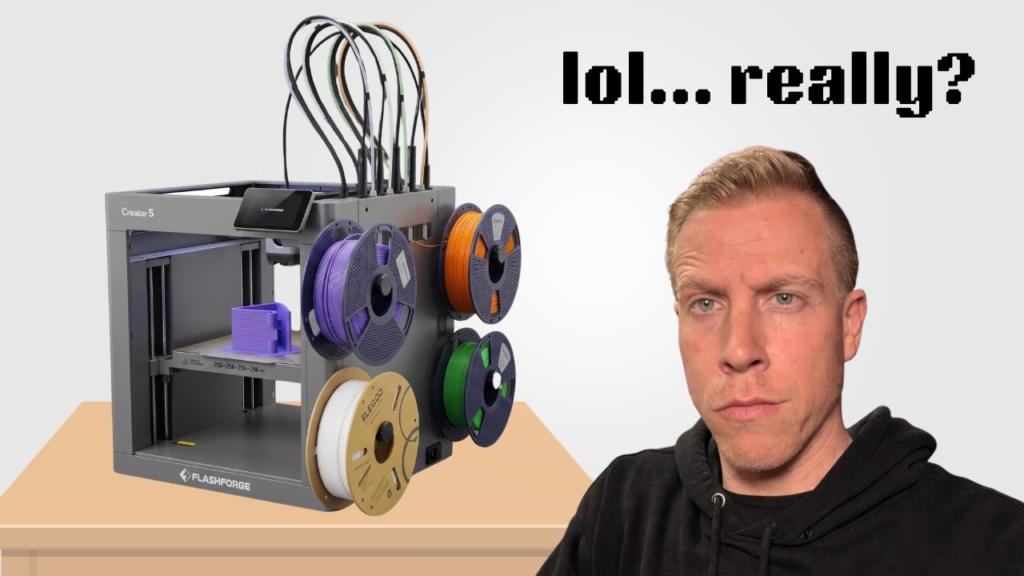
If your Flashforge Creator 5 feels like it’s binding, grinding, or struggling to move smoothly, I wouldn’t keep running prints and hope it works itself out. Something is creating resistance somewhere, and the first thing I’d do is figure out exactly which movement is causing it.
Move the printer through its X, Y, and Z movements using the controls and listen closely. Does it bind when the printhead moves left and right? Front to back? Or only when the bed moves? Narrowing it down to one axis makes this WAY easier to troubleshoot.
Check for Something Physically Blocking It
I’d start with the stupid-simple stuff because I’ve wasted plenty of time troubleshooting printers only to find something obvious.
Look around the rails, belts, pulleys, and toolhead area for pieces of filament or other debris. With the Creator 5 having four different toolheads and docking stations, I’d also look closely around those areas.
Watch the printer slowly move and see whether anything catches, rubs, or suddenly gets tighter at a certain point.
Check the Belts
The belts are another place I’d look.
You don’t want them hanging loose, but you also don’t want them insanely tight. An overtightened belt can put extra load on the motion system and potentially make movement feel rough.
I’d also look closely at how each belt is sitting on its pulleys. Make sure the belt isn’t rubbing against the side of something, walking off a pulley, or damaged anywhere.
Does It Bind in the Same Spot Every Time?
This can tell you quite a bit.
If the Creator 5 moves smoothly across most of the printer but binds at the exact same location every time, I’d start looking really closely at that section of the motion system.
Something could be rubbing, a rail could have contamination on it, or there could be an alignment issue.
If it feels rough throughout the entire movement, I’d be thinking more about belt tension, lubrication, a bearing, pulley, or something else that’s affecting the whole axis.
Check the Toolhead Docking System
The Creator 5 is a little different from a normal 3D printer because you’ve got four toolheads being picked up and parked throughout a multicolor print.
If you’re only noticing the binding or grinding during tool changes, I’d focus on the docking system instead of immediately assuming there’s something wrong with the X or Y motion system.
Watch a few tool changes closely.
The toolhead should go into and out of its dock cleanly. If it looks like the printer has to force the toolhead into position, something may be slightly out of alignment.
I’d stop the printer rather than letting it repeatedly slam into a toolhead that isn’t docking correctly.
Look at the Nozzles Too
This is another thing I’d check because I’ve already seen bent nozzles become an issue on the Creator 5.
A nozzle that’s bent or sitting lower than it should could potentially drag across the print or build plate and make it sound like the printer itself is binding.
Compare all four nozzles and make sure one isn’t obviously sitting differently from the others.
Don’t Start Randomly Tightening Everything
This is probably the biggest thing I’d avoid.
When something feels loose or makes a grinding sound, it’s tempting to grab some tools and start tightening every screw and belt you can find. You can actually make the problem harder to diagnose that way.
Find where the resistance is coming from first.
I’d run the axes slowly, listen for the noise, watch the belts and pulleys, check the toolhead docks, and see whether the problem happens in one specific location.
Once you know what’s actually binding, then you can start fixing that specific part.
Don’t Keep Printing If the Binding Is Bad
A tiny unusual noise is one thing. The printer physically struggling to move is another.
If you can hear the motor fighting against something or see the toolhead jerking instead of moving smoothly, I’d stop using the printer until you figure it out.
Forcing it to keep moving can turn a small alignment or belt problem into damaged parts.
The Creator 5 has a more complicated motion and tool-changing system than your typical single-toolhead printer, so figuring out exactly WHEN it binds is probably your biggest clue. Start there before taking half the machine apart.