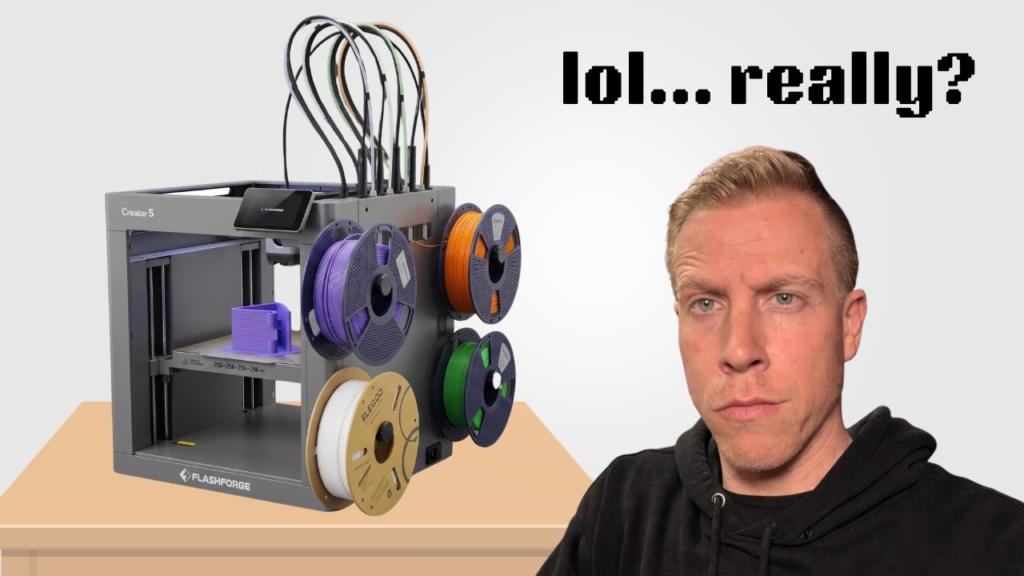
A clogged nozzle on the Flashforge Creator 5 is usually pretty easy to spot. You might hear the extruder clicking, see barely any filament coming out, get really thin or inconsistent extrusion, or have one of the four toolheads suddenly stop printing while the others seem completely fine.
The nice thing about the Creator 5 is that you have four independent toolheads. That actually makes troubleshooting a little easier because you can compare the problem toolhead with the other three.
Heat the Nozzle Up First
I’d start by heating the clogged nozzle to the normal printing temperature for whatever filament you have loaded.
Once it’s hot, try manually extruding some filament through it.
Don’t immediately start cranking the temperature way up. Start around the normal printing temperature for that material and increase it a little if necessary.
If filament starts coming through normally again, you may have just had a small partial clog.
Try Unloading and Reloading the Filament
Next I’d unload the filament completely.
Take a look at the end when it comes out. Sometimes you’ll see a weird swollen section, a chunk of burnt filament, or something else that gives you a clue about what happened.
Cut the filament cleanly, reload it, and try extruding again.
I also like doing this because it helps you figure out whether the problem is actually inside the nozzle or somewhere farther up in the filament path.
Check the Extruder Before Blaming the Nozzle
A nozzle that appears clogged isn’t always actually clogged.
Make sure the filament is reaching the hotend correctly and that the extruder gears are actually grabbing it.
If you hear clicking or grinding, look for filament that’s been chewed up by the gears. Once the extruder grinds a big groove into the filament, it may not be able to push it through anymore even after you’ve cleared the original clog.
Try a Nozzle Cleaning Needle
For a stubborn clog, you can try using a nozzle cleaning needle while the hotend is heated.
Gently work the needle into the nozzle opening to break up whatever is blocking it. I wouldn’t start aggressively jamming tools into the nozzle because you don’t want to damage it.
Afterward, try manually extruding filament again and see if you’re getting a nice consistent strand.
A Cold Pull Can Help With Partial Clogs
Another trick worth trying is a cold pull.
The basic idea is to heat the nozzle, push filament through it, let the temperature drop, and then pull the filament back out. Hopefully the filament grabs whatever little pieces of burnt plastic or debris are stuck inside the nozzle and pulls them out with it.
You might need to do it a couple times.
Take a look at the end of the filament each time. Sometimes you can actually see little dark pieces of material that were sitting inside the hotend.
Sometimes I’d Just Replace the Nozzle
There comes a point where I stop fighting with clogged nozzles.
If you’ve heated it, cleaned it, tried a cold pull, checked the extruder, and the thing still barely extrudes, replacing the nozzle can be the easier solution.
I keep spare nozzles around for exactly this reason.
You can find replacement Flashforge Creator 5 nozzles on Amazon here:
Check What Caused the Clog
Once you get the Creator 5 printing again, I’d spend a minute thinking about why it clogged.
Old or brittle filament, debris in the filament, printing at too low of a temperature, heat creep, or switching between materials with very different printing temperatures can all contribute to clogging.
I’d especially pay attention if you’re constantly switching materials between toolheads.
The Creator 5 having four independent toolheads is actually useful here. If you’re regularly printing a certain specialty material, you could dedicate one toolhead to it rather than constantly swapping completely different materials through the same nozzle.
Test the Nozzle Before Starting Another Big Print
Once everything looks clear, manually extrude some filament and watch how it comes out.
You want a steady, consistent strand.
Then I’d run a small test print using that specific toolhead before starting another giant multicolor print.
If it extrudes normally and the first layer looks good, you’re probably back in business. If that same Creator 5 nozzle keeps clogging over and over again, I’d stop cleaning it and replace it.
Replacement Creator 5 nozzles: